Why Learn Linux? A Complete Guide for Beginners
What you'll be able to do
- Picture concrete situations where knowing Linux helps you
- Choose a starting point that fits your own goal
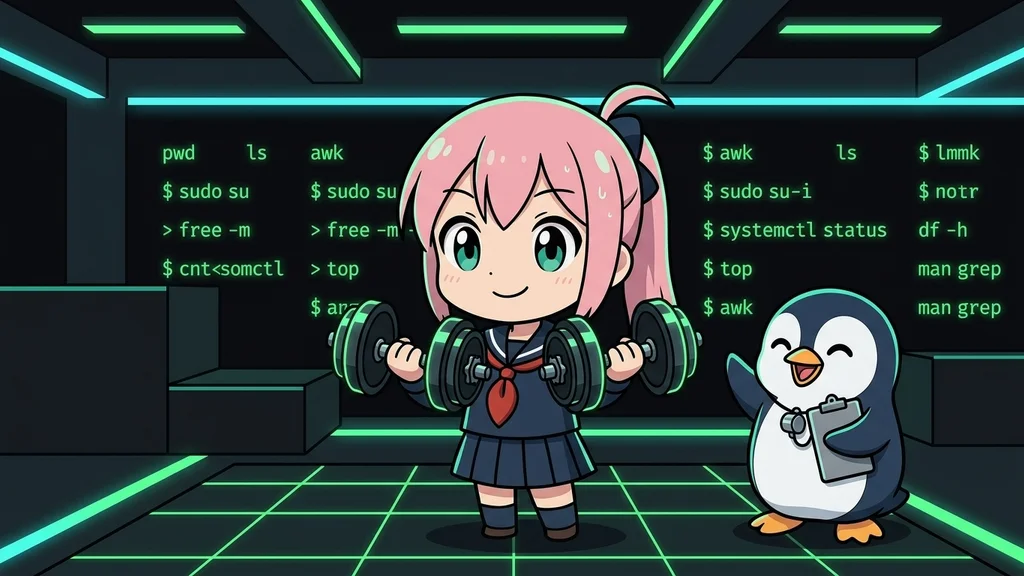
"Do I really need Linux?" "Isn't GUI good enough?" If you have these questions, this article is for you. Linny-senpai (a penguin teacher) and Lina (a beginner) will explain in a friendly dialogue format why you should learn Linux.
What you will learn
- Why Linux is the invisible foundation behind web services, cloud, and smartphones
- How Linux skills expand career options and speed up repetitive work
- The three commands to start with and how to build a consistent practice habit
Introduction
Conclusion: Linux is a free OS powering web servers, cloud, Android, and IT careers.
1. Where is Linux Used?
Conclusion: Linux runs web servers, cloud, Android, and supercomputers — the backbone of IT.
| Field | Examples |
|---|---|
| Web Services | Servers for Google, Amazon, Netflix, etc. |
| Cloud | Foundation of AWS, Google Cloud, Azure |
| Smartphones | Android is based on Linux |
| Supercomputers | The vast majority of the world's Top 500 run Linux |
| Embedded Devices | Routers, TVs, car systems |
2. What Changes When You Learn Linux?
Conclusion: Linux opens careers, automates tasks, and gives skills to fix server problems.
Benefit 1: More Career Options
| Job Role | Linux Necessity |
|---|---|
| Web Engineer | Server environments are often Linux |
| Infrastructure Engineer | Essential skill |
| Data Engineer | Commonly used in data processing environments |
| DevOps Engineer | Essential for building CI/CD |
Benefit 2: Faster Work
GUI (Mouse Operation): Rename 100 files → Right-click each one... → About 30 min - 1 hour
Linux Commands: Rename 100 files → One line of command → A few seconds
Benefit 3: Handle Troubles
- Check CPU usage with
topcommand - Check disk space with
dfcommand - Check log files with
tailcommand
3. Practical Efficiency Examples
Conclusion: Linux cuts manual work via batch file ops, log search, and scheduled backups.
Example 1: File Organization
Move only files with a specific extension to another folderA container that organizes files. Same idea as a "folder" on Windows or macOS.:
$ mv *.jpg images/
Example 2: Log Search
Extract only lines containing "error" from a large log file:
$ grep "error" access.log
Example 3: Scheduled Backups
You can set up automatic daily backups:
$ crontab -e
# Backup at 3 AM every day
0 3 * * * rsync -av /data /backup
4. Common Questions
Conclusion: GUI-only, cloud-first, and AI-reliant views still depend on Linux fundamentals.
Q: Isn't GUI good enough?
Q: Don't I need Linux if I use cloud services?
Q: Won't AI do it for me?
5. Your First Steps
Conclusion: Start with pwd, ls, and cd — 15 minutes daily for a week brings real progress.
| Command | Function |
|---|---|
pwd |
Shows where you are now |
ls |
Lists files |
cd |
Changes directory |
Lina Gives It a Try
Conclusion: Linux commands are typed in lowercase. Typing them in uppercase gives a "not found" error.
PWD!$ PWD
bash: PWD: command not found
PWD, try the lowercase pwd.pwd showed the result. So commands are case-sensitive.Mini Exercises
Conclusion: Try Penguin Gym Linux exercises to confirm what you learned about Linux today.
Exercise 1: Check Where You Are
Task: In Penguin Gym Linux, run the command that shows your current location (directory).
Show Hint 1 (Direction)
Try to recall the command that shows "where you are right now" on screen.
Show Hint 2 (Command name)
Use pwd. Type it in lowercase.
Show Answer
$ pwd
/home/user
Exercise 2: List the Files
Task: Display the files and folders in your current location.
Show Hint 1 (Direction)
Look for the command that lists "what's in the place you're in now".
Show Hint 2 (Command name)
Use ls. It's short for "list".
Show Answer
$ ls
Documents Downloads Pictures
Exercise 3: Change Directory
Task: Move to an existing directory, then confirm you moved with pwd.
Show Hint 1 (Direction)
First check the destination really exists with ls, then move, then confirm with pwd — three steps in order.
Show Hint 2 (Command name)
Move with cd (Change Directory), then confirm with pwd.
Show Answer
$ cd Documents
$ pwd
/home/user/Documents
Review
Conclusion: Linux is everywhere in IT. Start with three commands and grow skills steadily.
3-Line Summary
Conclusion: Linux powers the web quietly, boosts IT careers, and starts with three commands.
- Linux works behind the scenes - Foundation of web services, cloud, and smartphones
- Learning expands career options - Linux skills are valued in the IT industry
- Start with 3 commands - Begin with
pwd,ls, andcd