Getting Started
Explains how to use Penguin Gym Linux and effective learning methods. A complete guide that beginners can start with confidence. Detailed introduction of learning progression, common pitfalls, and tips for continuity.
Read more →A collection of guides to learn Linux fundamentals and effective study methods. Covers everything from beginner-friendly introductions to proven learning strategies.
Explains how to use Penguin Gym Linux and effective learning methods. A complete guide that beginners can start with confidence. Detailed introduction of learning progression, common pitfalls, and tips for continuity.
Read more →
Easy-to-understand explanation of Linux's basic concepts, history, and features for beginners. Learn why Linux is important and where it's used, with specific examples.
Read more →
Beginner-friendly explanation of what the terminal is, basic operations, and essential concepts. Perfect content as your first step in command line operations.
Read more →
Detailed explanation of the benefits of Linux learning, career impact, and importance in modern IT industry. Content that helps boost learning motivation.
Read more →
A beginner-friendly guide to the Linux directory structure. Learn the roles of /, /etc, /var, /home, /bin and how to never get lost in the filesystem tree.
Read more →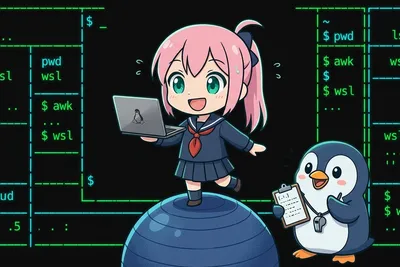
Learn how to set up a Linux environment on Windows using WSL2. Covers installation, choosing a distribution, basic Linux operations, and sharing files between Windows and Linux.
Read more →
Learn how to use man, info, and --help to look up Linux documentation. Covers man page navigation, keyword search with man -k, and when to use each tool.
Read more →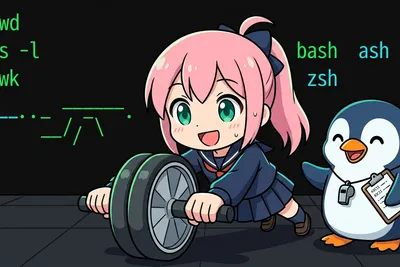
What exactly is a shell? Let's untangle bash, sh, and zsh — and how they talk to the kernel — together with Lina.
Read more →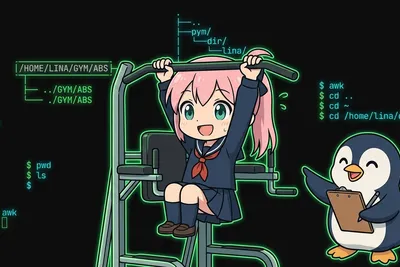
How do you read a path? Let's sort out absolute paths (starting from /), relative paths (from where you are), and what ., .., and ~ mean, together with Lina.
Read more →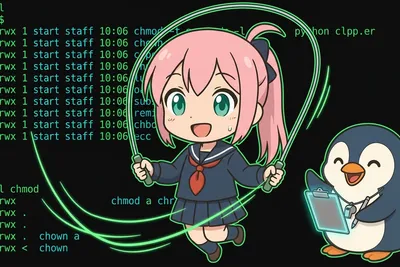
What do rwx and owner/group/other actually mean? Let's turn the cryptic string in ls -l into a simple grid of three people times three actions, together with Lina.
Read more →
Is root the godlike account that can delete anything? Why shouldn't you use it day to day, and use sudo instead? Let's sort out what admin rights really are, together with Lina.
Read more →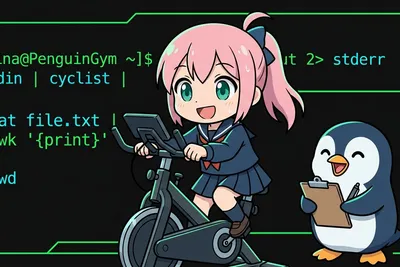
Why are there two kinds of output? Let's untangle stdin, stdout, and stderr — and when to use redirection and pipes — together with Lina.
Read more →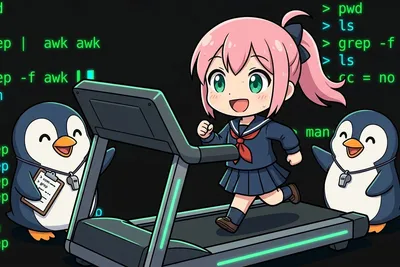
What are Ctrl+R and Ctrl+A even for? Learn the Readline shortcuts that make your terminal fly, hands-on with Lina.
Read more →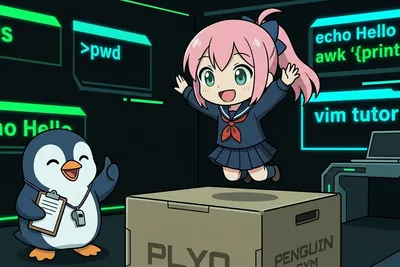
vim, nano, emacs, VS Code — which one should you actually use? Let's sort out each editor's strengths and how to choose, together with Lina.
Read more →
After mastering basic Linux commands, see where Docker, Git, and AWS connect to your Linux knowledge. A roadmap for choosing your next step without detours.
Read more →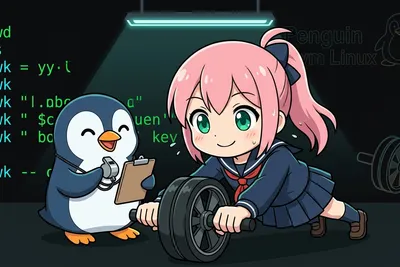
Compare bash, zsh, and fish shells — key differences in compatibility, auto-completion, and configuration cost. Choose the right shell for your workflow.
Read more →
How do SIGTERM, SIGKILL, and SIGHUP differ? Learn how signals work, when to use each, and the logic behind graceful shutdown.
Read more →
What do ps R / S / D / T / Z mean? The flow from fork to exit and reap, plus the truth about zombie and orphan processes.
Read more →
What actually happens between power-on and the login prompt? Walk through BIOS/UEFI, GRUB, the kernel, initramfs, and systemd, with a way to diagnose each stage.
Read more →
Compare ext4, xfs, and btrfs in practice. Decide by CoW, snapshots, and resize limits, and check your own filesystem with df -T and lsblk.
Read more →
Understand character encoding and UTF-8, why mojibake happens, and how to check and convert encodings with file, iconv, nkf, and locale.
Read more →
When it is worth switching from bash to zsh or fish, migration steps, carrying over your config, compatibility traps, and how to roll back.
Read more →
Compare Ubuntu, Debian, Rocky, and Arch by release model, support window, and packaging. Work backward from your use case to the right distro.
Read more →
See apt, dnf, pacman, and zypper on one map. Learn the command pattern once and handle any distro you land on.
Read more →
Understand containers vs virtual machines through kernel sharing, namespaces, and cgroups. See the speed-vs-isolation trade-off and how to choose before learning Docker.
Read more →
Understand Docker from first principles by building on your knowledge of Linux processes, namespaces, and cgroups. Grasp images, containers, and Dockerfiles as mechanics, not memorization.
Read more →
Why SSH key authentication is safer than passwords. The public-key crypto behind it, plus how to create, install, and lock down keys in practice.
Read more →
A practical guide to setting up a Linux dev environment — the essential tools to install first.
Read more →Once you have grasped the basics, try practicing with actual commands.